30 Essential KNM Exam Terms: Dutch Society and Politics
Preparing for the Dutch civic integration exam (inburgeringsexamen) can feel like a dual challenge: you are not just learning a language, you are...
Read more
This article was drafted by AI and edited by a person before it was published.
AI can get things wrong. For anything official, check the source it points to.
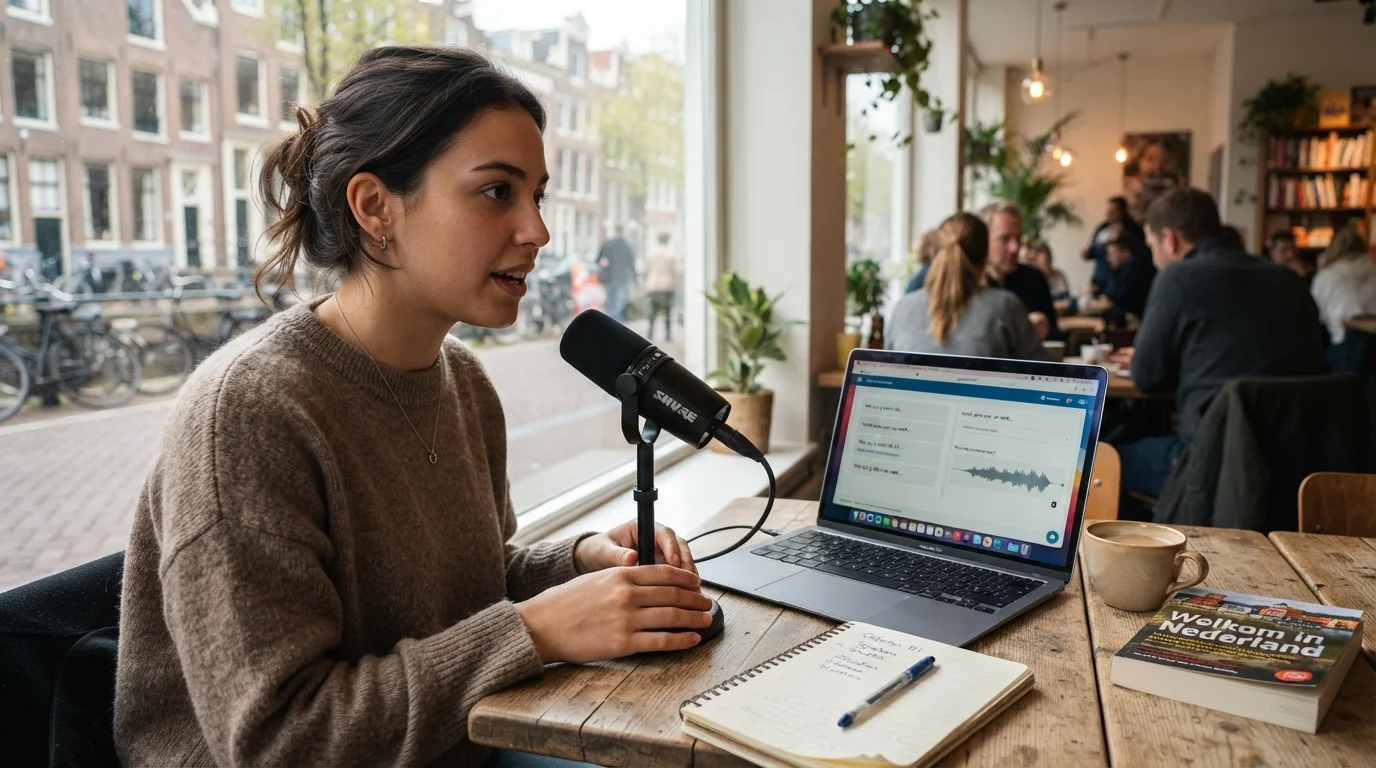
AI-generated image

Navigating the Dutch civic integration journey (inburgering) is a major milestone for expats, knowledge migrants, and newcomers making the Netherlands their permanent home. While mastering the Dutch language is the core challenge, the administrative side—specifically booking your official integration exams—often sparks its own set of questions and anxiety.
In the Netherlands, all civic integration exams are administered by the Education Executive Agency (DUO - Dienst Uitvoering Onderwijs) through their dedicated online portal: Mijn Inburgering. Whether you are aiming for permanent residency, naturalization, or fulfilling a mandatory integration requirement, registering for your exams smoothly is your first step toward success.
This comprehensive step-by-step guide walks you through the entire registration process on Mijn Inburgering, highlights essential prerequisites, explains payment options, and provides actionable tips on scheduling your test dates strategically.
Mijn Inburgering (often searched as myinburgering, my inburgering, mijn inburgeren, or misspelled as mijn imburgering.nl) is the official DUO online portal located exclusively at inburgeren.nl. There is no separate website called 'mijn imburgering.nl' or an official English-language domain; the secure portal is integrated directly into the DUO platform. If you search for these terms, always verify that your browser directs you to the official government domain (inburgeren.nl) to protect your personal data and DigiD credentials from phishing sites.
To complete your inburgering online login on My Inburgering, visit inburgeren.nl and log in using your personal DigiD security credentials. The inburgering online environment allows you to track your formal integration timeline, verify exam progress, view outstanding DUO loan balances, update contact details, and book exam sessions. If you are logging in from outside the Netherlands or using a mobile device, logging in via the DigiD app with a secure PIN or QR code is the most reliable method.
Before you open the portal to book your exam slots, ensure you have the following essentials in place to avoid delays or session timeouts:
The standard civic integration exam consists of several individual modules. On Mijn Inburgering, you can register for each component separately or book multiple exams on the same day depending on availability:
To complete an inburgering examen aanvragen (inburgering exam registration), log into Mijn Inburgering with your DigiD, open the 'Examen doen' tab, select your exam component, choose a test center and date, and confirm your payment via iDEAL or a DUO loan. Below is the detailed walkthrough of each step during the inburgering exam registration process.
Go to the official website at inburgeren.nl and click on the prominent 'Inloggen op Mijn Inburgering' button in the top right corner. Select your preferred DigiD login method (the DigiD app with a PIN/QR code is generally the fastest and most secure).
Once logged into your dashboard, you will see an overview of your personal integration file, including your deadline (inburgeringstermijn), your progress, and any approved loans. Click on the tab or menu option labeled 'Examen doen' (Taking exams) or 'Examens aanvragen'.
You will see a list of all required exam parts. The portal clearly marks which exams you have already passed, which are pending, and which are available for registration. Click on the exam component you wish to schedule (e.g., Lezen or KNM).
DUO administers exams at several specialized test centers across the Netherlands. The primary official locations include:
Select the testing center most convenient for you. If your local center is fully booked for several months, consider checking nearby cities, as slots fluctuate regularly due to cancellations.
After choosing your location, a calendar will display available dates and start times. Inburgering exam slots fill up rapidly, often 6 to 12 weeks in advance. Select an available slot that allows you adequate preparation time.
Pro Tip: If you want to take multiple exams on the same day (such as Reading and Listening back-to-back), ensure you leave at least a 45-to-60-minute buffer between slots to allow for check-in procedures, room transfers, and a mental breather.
Before your appointment is confirmed, you must arrange payment:
Immediately after successful registration and payment, you will receive an on-screen confirmation and an email from DUO. Approximately 1 to 2 weeks before your exam date, DUO will send you an official registration letter (oproepbrief or convocatie) in your digital Mijn Inburgering mailbox.
This letter includes crucial details: your candidate number, exact building address, room instructions, and rules regarding permitted identification. Keep this document accessible on your phone or print a physical copy for exam day.
Booking exams is not just an administrative task—it is an integral part of your study plan. Here are proven strategies to optimize your scheduling:
Test centers frequently experience high demand. Waiting until two months before your statutory integration deadline to book exams is extremely risky. If a session is full or if you need to retake a component, you could face administrative fines or complications with the IND. Schedule your exams well in advance.
Many successful candidates choose to schedule Lezen (Reading) and Luisteren (Listening) first. These receptive modules help build your confidence and test-taking stamina before you tackle productive modules like Schrijven (Writing) and Spreken (Speaking).
Life happens. If you fall ill or cannot make your scheduled exam, DUO allows you to reschedule or cancel via Mijn Inburgering, provided you do so at least 14 days before the exam date without forfeiting your exam fee. Canceling within 14 days generally requires medical documentation or valid force majeure to receive a refund or free rebooking.
Once your exam dates are locked into your calendar, your preparation timeline becomes concrete. Consistent daily practice is far more effective than intense cramming in the final 48 hours.
To maximize your chances of passing on your first attempt:
Inburgering serious games and gamified study apps help candidates reinforce Dutch vocabulary, grammar, and KNM concepts through interactive drills rather than dry memorization. If you want structured daily practice on your phone, StroopTaal offers an independent Dutch learning path with article-guessing games, flashcards, word puzzles, and timed exam practice for A2 and B1 inburgering components (reading, writing, listening, speaking, and KNM) with AI grading on writing and speaking in Premium.
Knowing what will happen when you arrive at the DUO examination center helps reduce test-day anxiety:
Once you finish your test, your responses are electronically transmitted to DUO's assessment team. Waiting times for results vary by module:
When your scores are processed, DUO will upload an official notification to your portal. To learn how to interpret your scores and understand what to do next, check our detailed guide on how to check your Inburgering exam results on Mijn Inburgering.
Registering for your civic integration exams on Mijn Inburgering is an exciting milestone. By gathering your DigiD credentials, choosing your testing center early, and spacing your exam dates thoughtfully, you remove administrative friction and set yourself up for a calm, confident exam experience.
Combine your smart scheduling with dedicated daily Dutch practice. With AI-driven speaking feedback, structured grammar lessons, and interactive vocabulary drills on StroopTaal, you can approach every exam module better prepared. Log in to Mijn Inburgering today, lock in your test dates, and start your final countdown to integration success!
Share this article:
Preparing for the Dutch civic integration exam (inburgeringsexamen) can feel like a dual challenge: you are not just learning a language, you are...
Read morePreparing for the Dutch civic integration exam (inburgeringsexamen) can feel intimidating, particularly when stepping up to the CEFR B1 level. Unlike...
Read moreFor expats, international professionals, and newcomers making the Netherlands their long-term home, the Dutch civic integration exam...
Read more