Failed the Inburgering Exam? 2026 Retake Guide & Next Steps
Introduction: Facing a Setback on Your Integration Journey Opening your score letter on the official DUO portal only to find an 'unvoldoende'...
Read more
This article was drafted by AI and edited by a person before it was published.
AI can get things wrong. For anything official, check the source it points to.
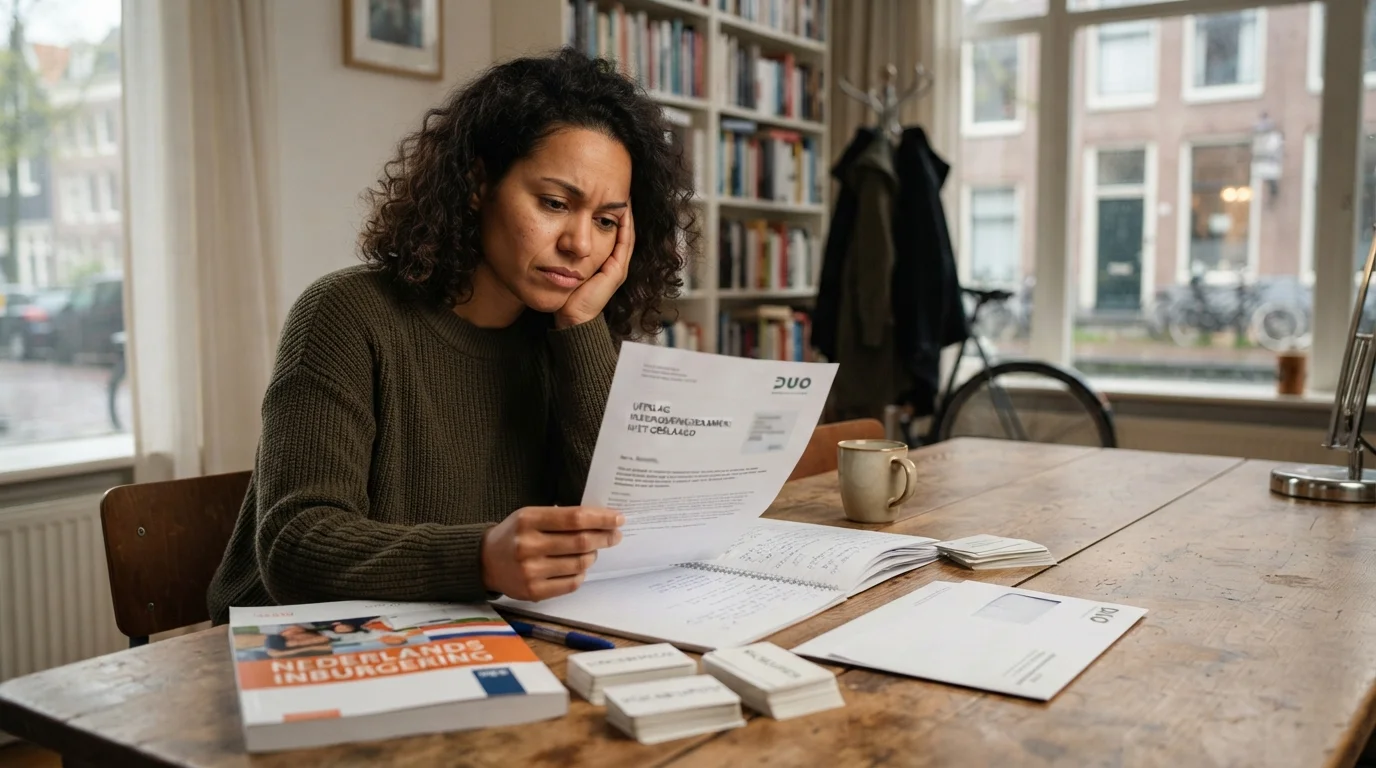
AI-generated image

Taking the Dutch civic integration exam (inburgeringsexamen) is a monumental milestone in your journey as an expat, foreign resident, or newcomer in the Netherlands. After dedicated weeks or months spent memorizing Dutch vocabulary, wrestling with word order, listening to recorded conversations, and practicing writing essays, the exam day finally passes. Then begins the waiting game. How did you score on Reading, Writing, Speaking, Listening, and Knowledge of Dutch Society (Kennis van de Nederlandse Maatschappij, or KNM)? When will the government release your official scores? And most importantly, where can you access your official results online?
The central system for managing your integration obligation is Mijn Inburgering, the official digital portal operated by the Dutch Education Executive Agency (Dienst Uitvoering Onderwijs, commonly known as DUO). Checking your results on this platform is simple once you know where to look, but navigating formal Dutch legal terms, understanding scoring criteria, and determining your next administrative steps can sometimes feel overwhelming.
In this comprehensive, step-by-step guide, we will walk you through how to log into Mijn Inburgering, find your exam scores, interpret what those scores mean for your integration timeline, and take actionable steps toward receiving your diploma or preparing for a retake if necessary.
To check your exam scores, you will need an active DigiD (your digital identity for Dutch government services) with SMS verification or the DigiD app enabled. Follow these exact steps to view your official results:
Open your Web browser and visit the official DUO integration portal at inburgeren.nl. Click on the 'Mijn Inburgering' login button located at the top right of the homepage.
Select your preferred DigiD login method—either using the DigiD mobile app (the fastest and most secure method) or entering your username, password, and SMS verification code. If you do not yet have a DigiD, you must apply for one via digid.nl, as DUO does not mail exam result notices via physical letters in most standardized cases.
Once you are logged into your personalized dashboard, look at the main navigation menu. Click on 'Examens' (Exams) or 'Voortgang' (Progress). This page contains a complete timeline of your integration obligation, including scheduled exam dates, past attempts, and current status markers.
Under the exam overview section, you will see a list of individual components:
Next to each component, you will see a status indication such as Behaald (Passed), Niet behaald (Not passed), or Nog niet bekend (Not yet available), along with a numerical score ranging from 1 to 10.
To complete your my inburgering login, go directly to inburgeren.nl and click the blue 'Inloggen op Mijn Inburgering' button at the top right corner of the page. This single inburgering login portal gives you full access to book tests, check your loans, track deadlines, and review every individual inburgering exam result.
If you arrived here searching for terms like mijn in borgen, keep in mind that this is simply a phonetic misspelling for Mijn Inburgering. The Dutch Education Executive Agency (DUO) uses this secure environment exclusively via DigiD authentication to safeguard your personal data. If you need help booking upcoming test slots through the portal after checking your scores, follow our guide to register for inburgering exams on Mijn Inburgering step-by-step.
Your official DUO exam results—also commonly referred to as your inburgering exam results or dutch exam results—are published inside the 'Examens' section of your personal Mijn Inburgering dashboard as soon as grading is complete. Because each module is evaluated independently, your results will update one by one rather than appearing all at once.
| Exam Module | Grading Type | Estimated Timeline | Passing Standard |
|---|---|---|---|
| Lezen (Reading) | Computer-graded | 1–3 weeks | Score 6–10 (Behaald) |
| Luisteren (Listening) | Computer-graded | 1–3 weeks | Score 6–10 (Behaald) |
| KNM (Society) | Computer-graded | 1–3 weeks | Score 6–10 (Behaald) |
| Schrijven (Writing) | Human assessors | 3–8 weeks | Score 6–10 (Behaald) |
| Spreken (Speaking) | Human assessors | 3–8 weeks | Score 6–10 (Behaald) |
Before testing, make sure you are prepared for every module by reviewing The Ultimate Checklist for the Dutch Civic Integration Exam (2026) so you know exactly what DUO expects on test day.
One of the most frequent questions candidates ask is: "How long will I have to wait to see my scores?" The exact processing time depends heavily on which specific exam component you took, as computer-graded tests are processed faster than human-evaluated ones.
DUO will automatically send an automated notification email when a new result is uploaded to your portal account. However, many candidates notice their scores updated on the portal a day or two before receiving the formal email notification, so checking your portal periodically after week three is a common practice.
The Dutch civic integration system grades most exams on a scale from 1 to 10. However, understanding whether a score constitutes a passing mark depends on the underlying law governing your integration requirement (the Wet inburgering 2013 vs. the Wet inburgering 2021).
In general, a score of 6 or higher represents a passing grade (voldoende), while a score of 5 or lower represents a failing grade (onvoldoende):
It is important to remember that you only need to retake the specific individual sub-exam that you failed. For example, if you passed Reading, Listening, Speaking, and KNM, but scored a 5 on Writing, you only need to re-register for the Writing exam. Your passing scores on the other modules remain valid indefinitely in the DUO database.
Depending on when you received your official notification letter from the municipality or DUO, your required language proficiency target will be either A2 or B1:
When reviewing your score on Mijn Inburgering, double-check that your results correspond to the target level specified in your personal integration plan (PIP). If you are preparing for B1 language modules, building a strong core vocabulary is essential; for practical strategies on mastering vocabulary requirements, check out our guide on expanding your B1 exam vocabulary.
Once all your exam results are visible on Mijn Inburgering, your next steps depend on whether you have passed all required components or still have outstanding tests to clear.
Congratulations! Passing all required exam modules is a major accomplishment. Here is what happens next:
Failing an exam component is a very common speedbump, but it is nothing to be discouraged about. Here is your action plan:
If you need to retake a section like Writing or Speaking, simply repeating the same study routine might not give you the boost you need. Targeted practice on weak areas makes all the difference.
For example, candidates struggling with the KNM portion often find that memorizing societal structures and legal norms becomes significantly easier once they master key Dutch terminology; review our selection of mastering KNM exam terminology to reinforce essential vocabulary.
This is where interactive language learning technology comes in. Modern tools like StroopTaal are specifically engineered to help non-native Dutch speakers pass their civic integration exams. StroopTaal offers AI-powered personalized learning plans tailored to your specific weak points, whether that is Dutch sentence structure, verb conjugations, or listening comprehension. With StroopTaal's real-life conversation practice and instant pronunciation feedback, you can build natural speaking confidence before stepping into the DUO exam room for your retake.
Keep this quick reference checklist in mind whenever you log into DUO to check your status:
By staying proactive, keeping close tabs on your Mijn Inburgering portal, and leveraging modern learning apps like StroopTaal to sharpen your Dutch skills, you will be well on your way to earning your Dutch integration diploma with complete confidence!
Share this article:
Introduction: Facing a Setback on Your Integration Journey Opening your score letter on the official DUO portal only to find an 'unvoldoende'...
Read moreMastering the ONA Portfolio: Your Gateway to the Dutch Labor Market Moving to the Netherlands comes with exciting opportunities, but navigating the...
Read morePreparing for the Dutch civic integration exam (Inburgeringsexamen) at the B1 level is a major milestone for expats, immigrants, and long-term...
Read more