Dutch Garbage Disposal Rules: Guide to Afvalscheiding 2026
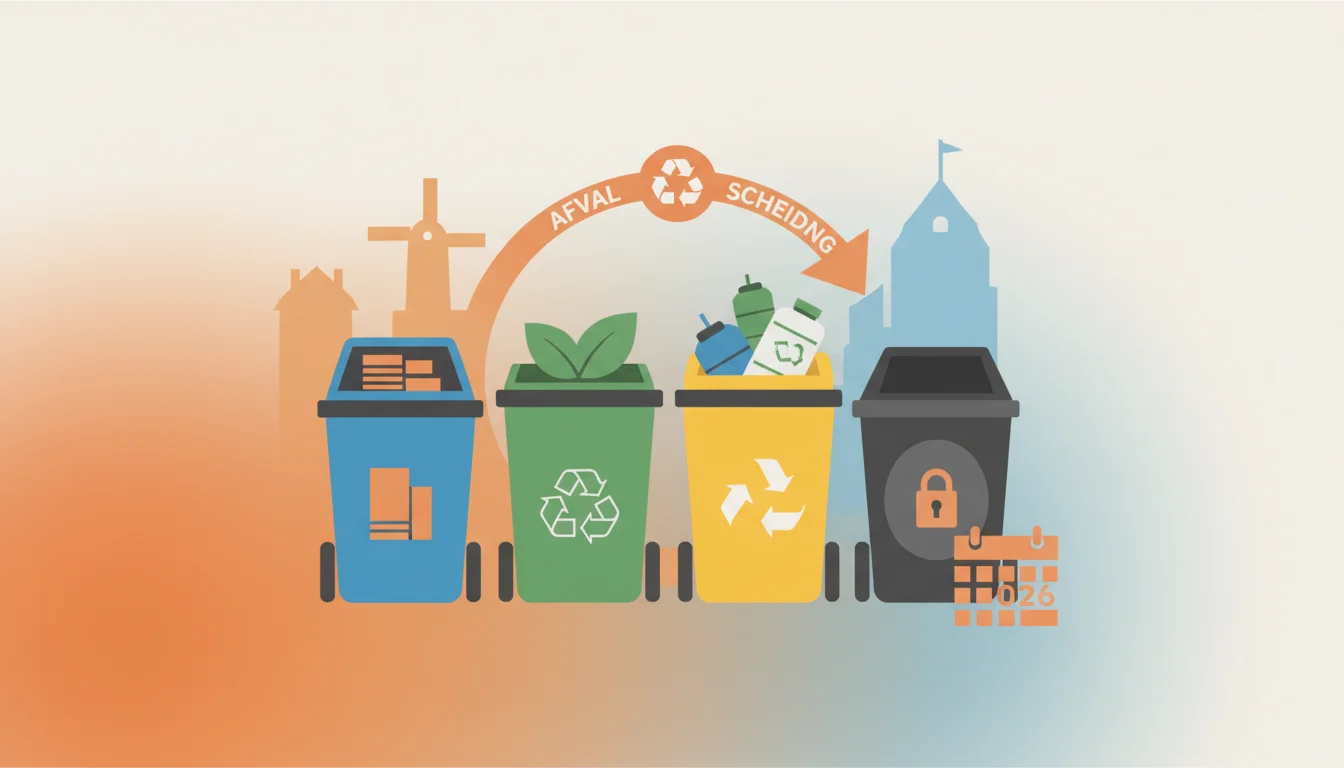
Introduction: Navigating the Dutch Waste Labyrinth Welcome to the Netherlands! You have successfully navigated the housing market, bought your first...
Read more
Congratulations! You have finally made the move to the Netherlands. You have probably already bought a sturdy bicycle, tasted your first authentic stroopwafel, and experienced the infamous Dutch weather. But as you settle into your new life, you will quickly discover another fundamental pillar of Dutch society: highly organized, highly digitized bureaucracy.
To navigate this digital landscape, there is one crucial key you need to unlock almost every door: the DigiD. If you are an expat, an international student, or someone preparing for their inburgering (civic integration), understanding and obtaining a DigiD is not just recommended—it is absolutely essential.
In this comprehensive guide, we will dive deep into what the DigiD is, why every expat in the Netherlands needs one, and provide a detailed, step-by-step walkthrough on how to get yours. Let us demystify the Dutch digital identity system so you can focus on enjoying your new life.
DigiD stands for Digitale Identiteit (Digital Identity). It is a secure, centralized login system used by the Dutch government and various affiliated organizations to verify your identity online. Think of it as your digital passport for life in the Netherlands.
Before the digital era, you had to show up in person at the local municipality with your physical passport or ID card to arrange official matters. Today, the Netherlands is one of the most digitally advanced countries in Europe. The DigiD system allows you to securely log into hundreds of websites, ranging from the tax authorities to your health insurance provider, all from the comfort of your living room.
The system is managed by Logius, the digital government service of the Dutch Ministry of the Interior and Kingdom Relations. You can read more about the official technical specifications and governance on the official Government.nl website.
You might be wondering, "Can I just skip this and do things via paper or phone?" The short answer is: No. Living without a DigiD in the Netherlands is practically impossible. Here is a breakdown of why this digital key is indispensable for expats.
The Belastingdienst (Dutch Tax and Customs Administration) handles everything from your annual income tax return to road taxes. To log into the Mijn Belastingdienst portal, you must use your DigiD. Whether you are filing your taxes for the first time or trying to get a grasp on understanding essential Dutch taxes, having active DigiD access is the only way to view your personalized tax dashboard, declare your income, and see if you are owed a refund.
The Dutch government offers various financial allowances to help lower- and middle-income residents with the cost of living. These include healthcare allowance (zorgtoeslag), childcare allowance (kinderopvangtoeslag), and rent allowance. If you are looking into applying for rent allowance to help offset high housing costs, you will need your DigiD to access the Mijn Toeslagen portal and submit your application.
Under Dutch law, you are required to take out basic health insurance (basisverzekering) within four months of arriving. When you choose an insurance provider, you will need your DigiD to log into their online portal to view your policy, submit claims, and check your deductible (eigen risico). Furthermore, hospitals, pharmacies, and general practitioners (huisartsen) use DigiD to grant you access to your personal medical records and test results through secure patient portals.
Your local municipality (gemeente) is responsible for your registration in the Personal Records Database (BRP). Whenever you move to a new address within the Netherlands, you must inform the municipality. Instead of making an appointment and queuing up, you can simply update your address online using your DigiD. This is incredibly helpful after preparing your documents for the gemeente and successfully finding your first long-term apartment.
Want to know how much pension you are building up while working in the Netherlands? The website Mijnpensioenoverzicht.nl requires a DigiD login. Additionally, if you are a student or taking integration courses (inburgering), you will use your DigiD to log into DUO (Dienst Uitvoering Onderwijs) to manage student finance, register for exams, and track your integration progress.
Before you rush to the DigiD website, you need to make sure you meet the basic requirements. You cannot apply for a DigiD the moment you step off the plane. You must have:
Note for Non-Residents: If you live abroad but work in the Netherlands, or if you have recently left the country, you can still apply for a DigiD via the RNI (Registratie Niet-Ingezetenen). However, the process requires an in-person appointment at a specialized DigiD service desk or a Dutch embassy. You can find more details regarding residency status and immigration on the Immigration and Naturalisation Service (IND) website.
Applying for a DigiD is a straightforward process, but it requires patience as it involves physical mail. Follow these steps carefully to ensure a smooth application.
Go to www.digid.nl/en. The website is available in English, which makes the initial application process much easier for expats. Click on the prominent button that says "Apply for DigiD".
You will be prompted to enter your personal information. Ensure that the details you enter exactly match the information on your passport and your BRP registration. You will need to provide:
Next, you will create your login credentials. Choose a username carefully! Once you set your username, it cannot be changed unless you delete your account and apply for a entirely new one. Create a strong, secure password that you have not used on other websites, as your DigiD protects highly sensitive financial and medical data.
The system will ask you to enter your mobile phone number. You will immediately receive an SMS with a code. Enter this code on the website to verify your phone number. SMS verification is crucial because many government portals require two-factor authentication.
Once you complete the online form, you are not done yet. For security reasons, the government will send an activation code via physical mail to the address where you are registered in the BRP. This letter usually arrives within 3 to 5 working days. Do not lose this letter!
When the letter arrives, go back to digid.nl and click "Enter activation code". Log in with the username and password you created in Step 3, enter the activation code from the letter, and voilà! Your DigiD is now active and ready to use.
While you can log in using just your username, password, and an SMS code, the Dutch government highly encourages everyone to use the DigiD App. In fact, many portals (like your health insurance or the Belastingdienst) now mandate the use of the app for enhanced security.
How to set up the app:
Using the app is incredibly convenient. When you want to log into a website on your laptop, a QR code will appear on the screen. You simply open the DigiD app, scan the QR code, enter your 5-digit PIN, and you are instantly logged in.
While the main DigiD application site has an English version, you will quickly find that once you log into official portals like Mijn Belastingdienst or Mijn Overheid, everything is strictly in Dutch. This is due to legal reasons; official government correspondence must be in the national language.
Navigating these portals can be daunting, especially since bureaucratic Dutch (often jokingly referred to as ambtenarentaal) is complex even for native speakers. This is where StroopTaal becomes your best friend. With our app's AI-powered personalized learning plans, you can focus specifically on administrative and practical Dutch. Instead of just learning how to order a beer, you learn the vocabulary you actually need to survive adult life in the Netherlands.
To help you get started, here are some crucial terms you will encounter when using your DigiD:
Want to practice these terms before calling a government helpdesk? StroopTaal offers real-life Dutch conversation practice with AI, allowing you to simulate phone calls with the Belastingdienst or your local Gemeente until you feel confident and ready.
Even with a perfect setup, you might run into a few hiccups. Here is how to handle the most common DigiD problems:
If you forget your password, you can reset it online only if you have added SMS verification or the DigiD app to your account. If you forget your username, unfortunately, you cannot recover it. You will have to apply for a completely new DigiD.
Your DigiD remains valid even if you deregister from the Netherlands, provided you keep it active. Make sure your account is linked to a phone number you will continue to use abroad so you can receive SMS codes. You must log in at least once every three years to prevent the account from expiring.
If you get a new smartphone, you will need to download the DigiD app again and reactivate it. Do not delete the app from your old phone until the new one is fully set up! You can use the app on your old phone to easily activate the app on your new device.
Obtaining your DigiD is a rite of passage for every expat moving to the Netherlands. It is the golden key that unlocks a highly efficient, paperless system designed to make your life easier. By following the steps outlined in this guide, you will have your digital identity set up in no time, ready to tackle taxes, healthcare, and municipal matters with confidence.
Remember, while the digital infrastructure is world-class, the language barrier can still be a hurdle. Do not let official Dutch letters intimidate you. Download StroopTaal today to build your vocabulary, master Dutch grammar from A0 to C1, and confidently conquer Dutch bureaucracy. With our spaced repetition system and interactive dialogue games, you will be navigating MijnOverheid like a true local in no time. Succes!
Share this article:
Introduction: Navigating the Dutch Waste Labyrinth Welcome to the Netherlands! You have successfully navigated the housing market, bought your first...
Read moreIntroduction: Navigating Dutch Housing Costs Moving to the Netherlands is an exciting adventure filled with stroopwafels, bicycles, and picturesque...
Read moreMoving to the Netherlands with children is an adventure that brings equal parts excitement and anxiety. As an expat parent, one of your biggest...
Read more