Navigating Dutch Public Transport: How to Set Up an OV-chipkaart
Welcome to the Netherlands: The Land of Trains, Trams, and the OV-chipkaart Moving to a new country brings a whirlwind of administrative tasks, from...
Read more
This article was drafted by AI and edited by a person before it was published.
AI can get things wrong. For anything official, check the source it points to.
AI-generated image
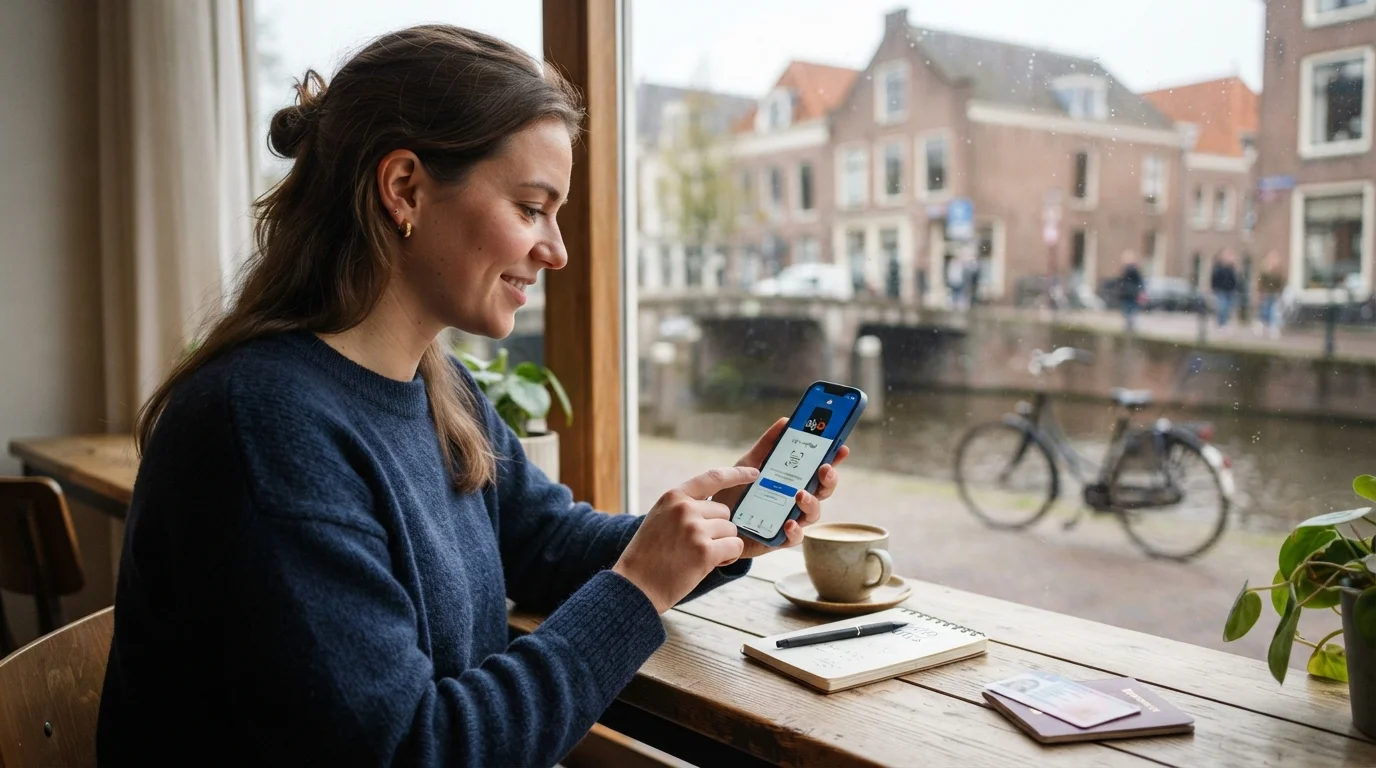
Moving to a new country is an exciting adventure, but it also comes with a mountain of administrative tasks. If you have recently relocated to the Netherlands, you have probably heard the word DigiD mentioned more than a few times. Pronounced 'dee-ghee-dee', this little digital tool is the key to managing your entire life in the Netherlands. From filing your taxes and arranging health insurance to checking your pension and registering your address, almost every interaction with Dutch public services requires a DigiD.
While the prospect of setting up yet another app might feel overwhelming, the DigiD app is actually designed to make your life incredibly easy. In this ultimate guide, we will walk you through exactly what DigiD is, how to apply for it, how to set up the DigiD app, and how to navigate the Dutch digital landscape with confidence.
DigiD stands for Digitale Identiteit (Digital Identity). It is a secure, centralized identity verification system used by the Dutch government, healthcare providers, pension funds, and other public organizations. Think of it as a digital passport or a secure digital signature. Instead of having to create a separate username and password for every single government agency, you use your single DigiD login to access them all securely.
As a new resident, you cannot avoid using DigiD. You will need it for:
Before you can apply for a DigiD, however, you must complete the preliminary step of registering at your local municipality (gemeente) to obtain your Citizen Service Number, known in Dutch as the Burgerservicenummer (BSN).
Applying for your DigiD is a straightforward online process, but it does require some patience as it involves physical mail for security purposes. Here is the step-by-step process to get your DigiD up and running:
Before you begin, make sure you have the following details on hand:
Head over to the official official DigiD website (which is available in English) and click on the application link. You will be prompted to enter your BSN, date of birth, postal code, and house number. During this process, you will also choose a unique username and password. Make sure to write these down or save them securely, as you will need them to activate your account later.
For security reasons, DigiD does not activate your account immediately online. Instead, they will send a physical letter containing an activation code (activeringscode) to your registered home address. This letter typically arrives within three to five business days. This physical check ensures that you actually live at the address registered under your BSN.
Once the letter lands on your doormat, go back to the DigiD website, select 'Activate DigiD', and enter the username and password you created in Step 2, along with the activation code from the letter. Congratulations! Your DigiD is now active.
While you can use DigiD with a username, password, and SMS verification, the absolute easiest and most secure way to log in is by using the DigiD app on your smartphone. The Dutch government is increasingly phasing out older login methods in favor of the app, as it offers the highest level of security.
To set up the DigiD app, follow these steps:
Some highly sensitive portals (like health insurance records or pension funds) require an extra layer of security called the ID check (bovengrens check). The DigiD app will ask you to perform a one-time scan of your identity document (a Dutch residence permit, Dutch ID card, or a biometric passport from any country) using your phone's NFC reader. Simply hold your document against the back of your phone when prompted. Once completed, your app will be upgraded to the highest security tier, unlocking full access to all Dutch public portals.
Once your app is set up, logging into Dutch websites is incredibly simple. There are two primary ways you will use the app to log in:
If you are browsing a government website on your smartphone and need to log in, simply tap the 'Log in with the DigiD app' button. Your phone will automatically open the DigiD app. Enter your 5-digit PIN, and you will be redirected back to the website, fully logged in. It takes less than five seconds!
If you are using a computer, the website will display a pairing code (koppelcode) and a QR code. Here is what you do:
As a new expat or resident, you will find yourself reaching for your phone to open the DigiD app quite frequently. Here are the most common platforms where DigiD is essential:
Whether you need to apply for healthcare allowance (zorgtoeslag) or you are preparing for filing your first Dutch tax return, you will need your DigiD to log into the Mijn Belastingdienst portal. The tax office pre-fills much of your financial data based on your BSN, making the process surprisingly smooth.
The Dutch healthcare system is highly digitized. When you are navigating Dutch health insurance options, you will use your DigiD to log into your insurer's portal to submit claims, view your medical bills, and check how much of your deductible you have used. You will also use it to log into Mijn Huisarts (your GP's portal) to order repeat prescriptions or view lab results.
If you are in the Netherlands on a visa or residence permit, you can track the status of your applications, update your personal details, and download official letters directly from the IND portal using your DigiD.
While the DigiD app itself is available in English, many of the government portals, tax forms, and official letters you unlock with it are written strictly in formal Dutch. Navigating terms like heffingskorting (tax credit), verzamelinkomen (aggregate income), or machtiging (authorization) can be incredibly daunting for a newcomer.
This is where learning Dutch becomes your superpower. To help you feel confident navigating these official platforms, the StroopTaal app is an invaluable resource. StroopTaal offers vocabulary building with spaced repetition specifically tailored to practical Dutch life. Instead of just learning academic terms, you can practice the real-life Dutch vocabulary used by the Belastingdienst, the gemeente, and utility companies.
With StroopTaal's interactive dialogue games for practical scenarios, you can practice interacting with Dutch institutions, while the AI-powered personalized learning plans adapt to your current Dutch level (from A0 all the way to C1). Mastering these terms saves you from stressful translation sessions and makes letters about deadlines and benefits easier to follow.
Because your DigiD represents your complete legal and financial identity in the Netherlands, keeping it secure is of paramount importance. The Dutch government and police actively warn residents about phishing scams. Keep these safety tips in mind:
Setting up your DigiD might feel like a hurdle, but once it is done, you will marvel at how efficient the Dutch administrative system is. No more waiting in long lines at government buildings or mailing physical forms; with the DigiD app on your phone, you can manage your taxes, healthcare, and residency status with just a few taps.
As you settle into your new life, don't let the language barrier hold you back from fully understanding your rights, benefits, and obligations. Download the StroopTaal app today to master administrative Dutch, build your vocabulary, and navigate your new home like a local. Succes met je DigiD!
Share this article:
Welcome to the Netherlands: The Land of Trains, Trams, and the OV-chipkaart Moving to a new country brings a whirlwind of administrative tasks, from...
Read moreIntroduction: Navigating the Dutch Housing Market as an Expat Buying a house is one of the most exciting milestones of your life. Doing so in a...
Read moreConquering the Blauwe Envelop: A Guide to Dutch Income Tax For expats and new arrivals in the Netherlands, few things trigger as much mild panic as...
Read more