How to Handle Dutch Municipal Mail & Blue Envelopes
Few things cause as much sudden anxiety for expats and newcomers in the Netherlands as the distinctive sound of a letter sliding through the mail...
Read more
This article was written by AI and published by StroopTaal.
AI can get things wrong. For anything official, check the source it points to.
AI-generated image
Navigating life in the Netherlands comes with many perks: world-class public transport, beautiful canals, and an exceptionally efficient digital administration system. However, to access almost any Dutch government service—from filing your taxes to checking your health insurance details—you need one essential key: a DigiD (short for Digitale Identiteit). While registering for DigiD might seem straightforward, securing your account with SMS verification (SMS-controle) is a crucial step that many newcomers struggle to complete correctly. In this comprehensive guide, we will walk you through the exact step-by-step process of applying for, activating, and using DigiD with SMS verification as an expat or international resident.
DigiD is the official digital identity system managed by the Dutch government. It acts as your personal digital passport for accessing government websites, public healthcare portals, pension funds, educational institutions, and tax services. Instead of creating separate usernames and passwords for every single municipal or official organization, your DigiD provides a single, secure login method across the entire country.
Initially, DigiD logins only required a simple username and password. However, because these credentials grant access to sensitive personal data—such as your medical history, social security details, and financial records—the Dutch government introduced multi-factor authentication (MFA). Adding SMS verification ensures that even if someone discovers your password, they cannot log in without the physical mobile device tied to your account.
Many official portals now mandate this extra layer of security. For instance, if you are planning on applying for Huurtoeslag (rent benefit) or managing your Dutch health insurance online, having SMS verification enabled on your account is an absolute requirement.
Before you begin the application process on the official DigiD portal, make sure you have the following items ready:
Ready to get started? Follow these steps to complete your initial online application:
Visit www.digid.nl. At the top right corner of the page, you can switch the language toggle to English if you feel uncomfortable reading Dutch administrative text. Click on the button labeled 'Apply or activate' (Aanvragen of activeren).
You will be prompted to enter basic information to verify your identity against government databases:
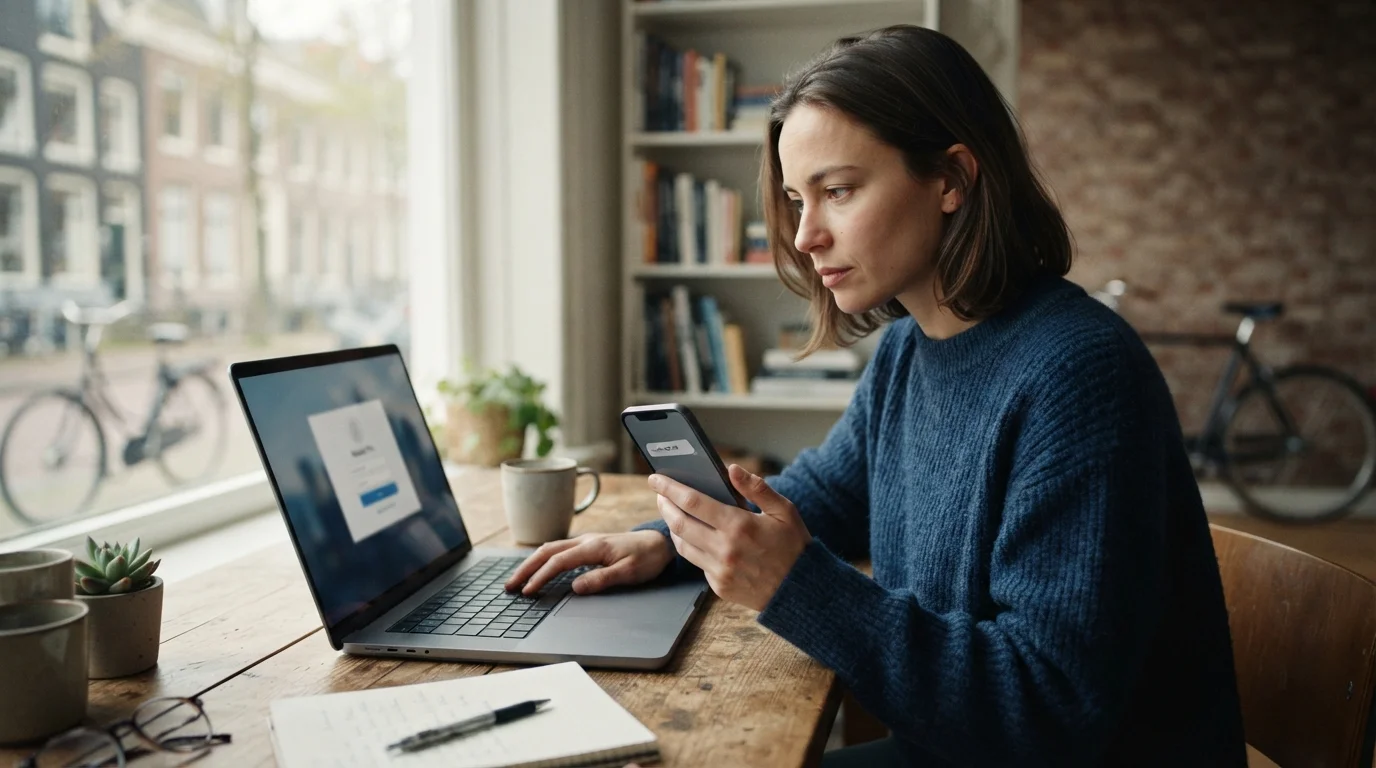
During the application form, you will reach a screen asking how you want to secure your account. Check the box for 'SMS verification' (SMS-controle). You will then be asked to enter your mobile phone number. A test SMS code will be sent to your phone immediately. Enter this 6-digit code on the website to confirm that your phone number works and belongs to you.
Next, choose a unique username and strong password. Keep these credentials in a safe place, as you will need them every time you log in alongside your phone. Make sure your password contains a combination of uppercase letters, lowercase letters, numbers, and special characters.
Because anyone could theoretically enter your BSN online, the Dutch government verifies your physical address before activating your account. Here is what happens after you submit your application:
Within 3 to 5 working days, a official letter from DigiD will arrive in your physical mailbox at your registered BRP address. The envelope is clearly marked with the official Dutch government logo.
Inside the letter, you will find a unique Activation Code (Activeringscode). This code is valid for 20 days from the date printed on the letter. If you do not activate your DigiD within this timeframe, the code expires, and you will have to restart the online application process from scratch.
Return to www.digid.nl and click on 'Activate DigiD'. Enter:
Once submitted, your DigiD is live and fully protected by SMS verification!
Now that your account is activated, using it to log into Dutch government services is quick and seamless. Here is how the login procedure works in real-time:
You might wonder whether you should rely solely on SMS verification or download the official DigiD App. Both methods provide secure multi-factor authentication, but they serve slightly different preferences:
Pro Tip: You can enable BOTH! Having SMS verification set up as a backup ensures you can still access critical official portals even if you lose your smartphone or upgrade to a new handset.
Setting up government accounts like DigiD is often an expat's first real encounter with formal Dutch administrative language. Receiving letters from Logius (the digital service department of the Ministry of the Interior) or navigating municipal notices can feel intimidating if you are still learning Dutch.
Understanding terms like Activeringscode, MijnOverheid, Inloggen, and Machtiging is essential for feeling confident and independent while living in the Netherlands. If you want to bridge the gap between basic Dutch phrases and practical, daily life conversation, practicing real scenarios makes all the difference.
This is where StroopTaal comes in. Designed specifically for expats and Dutch language learners, StroopTaal uses AI-powered interactive conversation practice to help you master real-life Dutch situations. Whether you are preparing for your Inburgeringsexamen (integration exam) or simply want to navigate official Dutch websites without constantly relying on translation browser extensions, StroopTaal offers personalized learning plans and practical dialogue games that build lasting vocabulary and grammar confidence from A0 all the way to C1 level.
Encountering hiccups during your DigiD setup? Here are solutions to the most common issues international residents encounter:
If more than 5 business days have passed and you haven't received your letter, double-check that your name is clearly posted on your building's mailbox. Dutch mail carriers will often return official government mail if the recipient's surname does not match the label on the letterbox. If necessary, update your mailbox label and request a new code online.
If you switch phone numbers, log into your DigiD settings on digid.nl using your existing credentials or app. Under 'Settings' (Instellingen), you can update your mobile number. A confirmation code will be sent to your new number to complete the update.
First, check that your phone has active cellular reception. SMS messages cannot be delivered over Wi-Fi alone unless your carrier supports Wi-Fi calling. If you still don't receive the text within two minutes, click 'Resend code' (Code opnieuw versturen) or choose the spoken SMS option, where an automated call reads the code aloud to you.
Because DigiD is so widely used in the Netherlands, cybercriminals occasionally attempt phishing scams targeting expats. Remember this crucial rule: DigiD, Logius, and Dutch government agencies will NEVER ask for your password, pin code, or activation code via SMS or email. Always navigate to official websites directly rather than clicking links in unexpected text messages.
Setting up your DigiD with SMS verification is one of the most important administrative milestones when settling into life in the Netherlands. It unlocks effortless access to tax refunds, healthcare management, municipal benefits, and institutional records, allowing you to manage your affairs digitally and stress-free.
As you take these practical steps toward settling in, don't let language barriers slow you down. Building your Dutch language skills opens doors to deeper integration, better career opportunities, and true confidence in everyday situations. Explore Government.nl for further administrative resources, and start practicing practical, real-world Dutch today with StroopTaal—your smart AI companion for mastering the Dutch language on your own schedule!
Share this article:
Few things cause as much sudden anxiety for expats and newcomers in the Netherlands as the distinctive sound of a letter sliding through the mail...
Read moreRelocating to a new home is an exciting milestone, whether you are upgrading to a spacious apartment in Utrecht, moving closer to work in Amsterdam,...
Read moreIntroduction: Bringing New Life into the Netherlands Becoming a parent is one of life's most exciting milestones, but navigating maternity care and...
Read more