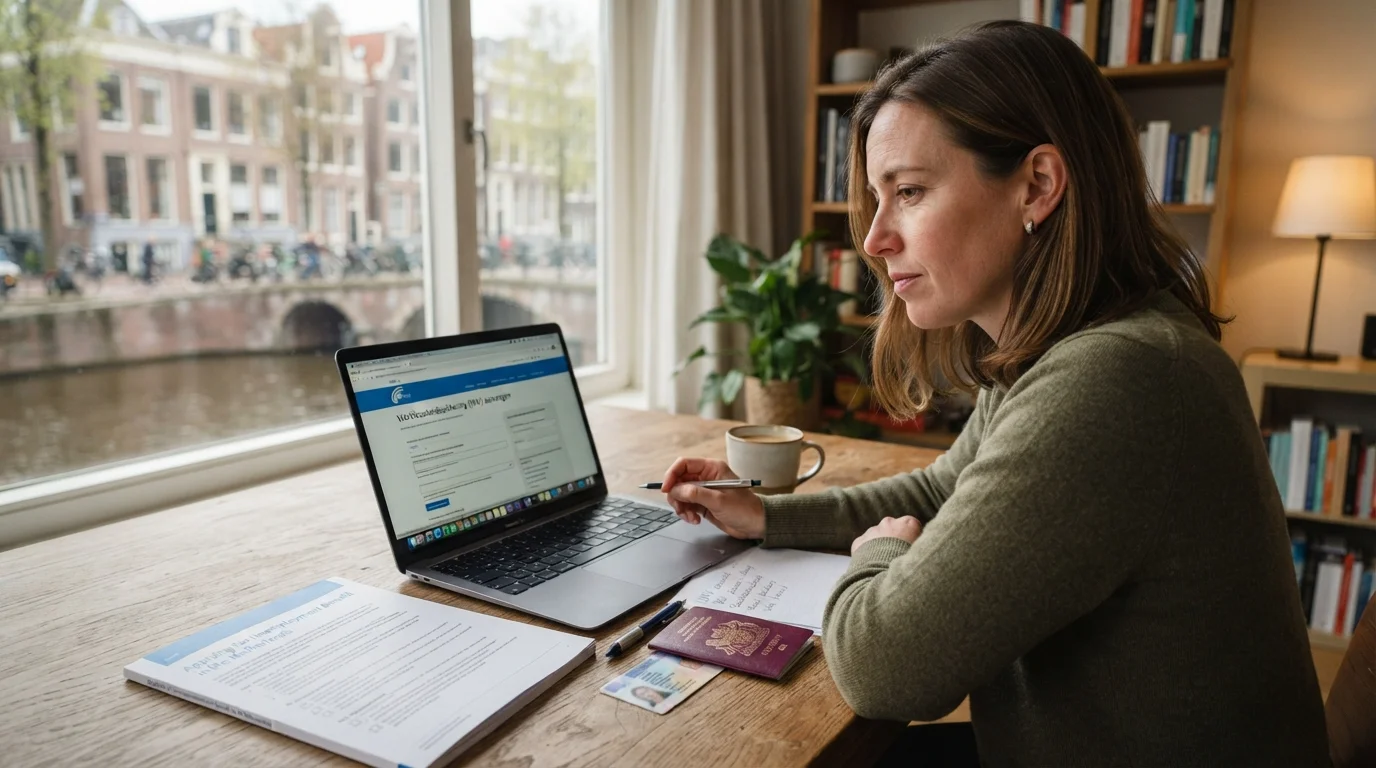
Unemployment Benefit Netherlands: The Ultimate Expat Guide
Navigating the Dutch Unemployment System as an Expat Losing your job is a stressful experience, but when you are an expat living in a foreign...
Read moreMoving to the Netherlands or simply relocating within the country often means one important practical question: how do you set up home internet and TV? Whether you need a fast connection for remote work, Dutch TV to practice language skills, or want a package that bundles TV, internet and phone, this guide walks you through everything step by step. It is written for expats, people learning Dutch, and those preparing for integration exams who want clear, practical advice and language-friendly tips.
In the Netherlands, most households get internet over fiber optic, DSL or cable. Major providers include Ziggo, KPN, T Mobile Thuis and others. You can choose standalone internet, or a bundled package that includes TV and a fixed phone. Typical steps are: verify available providers at your address, compare packages, order service, schedule installation (if needed), and configure your router and TV decoder.
Before anything else, check availability at your address. Visit provider websites and enter your postal code and house number. You can also use comparison websites, but always verify on the provider site before ordering. Many apartment buildings already have a provider on contract for the whole building, so ask your landlord or housing association as well.
Choose based on your needs. For remote work and video calls, 100–300 Mbps is usually sufficient for small households; heavy streamers or gamers may prefer 500 Mbps or higher. For TV, check whether you want international channels, Dutch public channels, or streaming-only solutions. Prices vary; many providers offer promotional rates for the first 12 months.
Once you choose a provider, you can usually order online or by phone. Online orders are often available in English. When ordering, you will need:
Installation options:
When you receive your router, follow provider instructions to set up Wi-Fi. Basic steps are:
Security tips:
If you want to watch Dutch TV to practice listening skills and learn about local culture, you have several options:
Language-learning tip: Watch Dutch news or children’s programs with subtitles to build vocabulary and listening comprehension. For structured language support, combine TV exposure with language exercises in an app like StroopTaal, which offers real-life conversation practice and pronunciation training to reinforce what you hear on TV.
Some common issues and quick fixes:
If you move, contact your provider before the move to arrange transfer or cancellation. Many providers allow you to keep your contract if the new address is within their service area. If not, you may need to cancel—which often requires a notice period. Keep documentation of your move and any confirmation emails.
If you switch providers, schedule the new installation to begin when the old service ends to avoid being without internet. For fiber, transfers sometimes take longer due to physical line activation.
For consumer rights and complaints, check the government website or the consumer authority pages linked from government.nl. For background about Dutch broadcasting and media, consider reading the relevant Wikipedia article on Dutch public broadcasting like NPO at Wikipedia.
Setting up internet and TV can be a language challenge. Use provider chat in English or ask for help from a Dutch-speaking friend. For integration exam prep, combining tech setup with language practice is efficient: listen to Dutch channels and replay segments, then practise speaking and pronunciation with targeted exercises. The StroopTaal app can help you practice real-life dialogues and pronunciation that match everyday scenarios like calling customer service or understanding a technician's instructions.
Also useful are expat community groups and social media pages where members share provider experiences and recommendations. For settlement tasks, you may also find related practical guides helpful, such as municipality registration tips and public transport setup for getting around while you wait for installation.
Setting up home internet and TV in the Netherlands is straightforward with the right preparation: check availability, compare packages, order the right speed and TV mix, and secure your equipment. Use streaming and Dutch TV to improve language skills, and combine that exposure with pronunciation and conversation practice to speed up your integration. If you want focused practice for real-life interactions—like calling a provider or talking to a technician—try the StroopTaal app's conversation and pronunciation tools to build confidence quickly.
Ready to get connected? Start by checking providers for your address, choose a package that suits your household, and prepare the documents and setup space for installation. If you want language support while you set up, use practical lessons and dialogue practice from StroopTaal to make the process easier and more rewarding.
Share this article:
Navigating the Dutch Unemployment System as an Expat Losing your job is a stressful experience, but when you are an expat living in a foreign...
Read moreUnderstanding Dutch Child Benefits (Kinderbijslag): How to Apply in 2026 Moving to the Netherlands or preparing for integration exams often comes...
Read moreIntroduction: Why Dutch waste rules matter for expats Moving to the Netherlands means adapting to many practical routines, and one of the most...
Read more